Explore
Select

Plan

Optimize

Deliver

RouteGeniusAI.com

Sales

Talk to our team about rollout planning +1 (602) 555-1083

Support

Need help with a live account? support@routegeniusai.com

Plan

Get fast and reliable delivery routes

This page goes deeper into planning. It shows how RouteGeniusAI helps dispatchers build routes, apply rules, and move from setup to execution without losing control.

Route planning details

What route planning really means in daily operations

Use the sections below to see how planning, handoff, and route outputs work together when a team needs to move quickly.

Plan

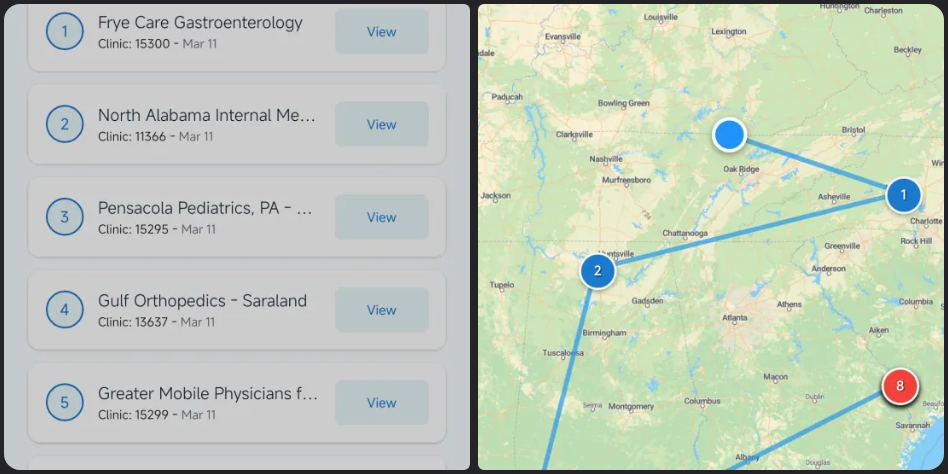
Plan with rules, not guesswork

Use the routing engine to sequence stops while respecting the business rules that make a route real.

  • Sequence stops around time windows, capacity, and territory rules.
  • Review human-created routes before they are published to drivers.
  • Tune planning decisions as the day changes without rebuilding from scratch.
Stops Time windows Capacity Territories
Plan with rules, not guesswork
Business rules applied
Why it matters

Use the routing engine to sequence stops while respecting the business rules that make a route real.

Next step

See how routes are managed after planning

Plan

Keep dispatch and drivers aligned

Planning does not stop at optimization. The next step is making sure the route handoff is clear and immediate.

  • Share routes, notes, and order context with the people who need them.
  • Hand off updates quickly when traffic, orders, or staffing changes.
  • Keep route history and instructions visible in the same workspace.
Handoff Route notes Live edits Shared context
Keep dispatch and drivers aligned
Connected to dispatch
Why it matters

Planning does not stop at optimization. The next step is making sure the route handoff is clear and immediate.

Next step

See how routes are managed after planning

Plan

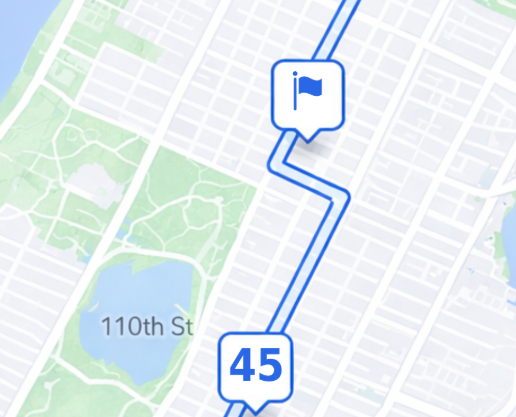
Turn planning into usable outputs

Each route should give dispatch something concrete to act on, not just a map on screen.

  • Generate driver-ready routes and task lists in one flow.
  • Keep arrival expectations, route order, and customer updates in sync.
  • Use planning data later to measure what actually worked on the road.
Driver tasks Route manifest ETA sync Performance data
Turn planning into usable outputs
Ready for execution
Why it matters

Each route should give dispatch something concrete to act on, not just a map on screen.

Next step

See how routes are managed after planning

Related pages

Planning is only one part of the workflow

Once routes are ready, dispatch needs live management and long-term performance data. Those pages explain what happens next.

Manage routes Scale your business