Explore
Select

Plan

Optimize

Deliver

RouteGeniusAI.com

Sales

Talk to our team about rollout planning +1 (602) 555-1083

Support

Need help with a live account? support@routegeniusai.com

Manage routes details

What operations can actually do with the live route workspace

Each block below explains a different part of route management so teams can see how visibility, proof, and permissions fit together.

Manage

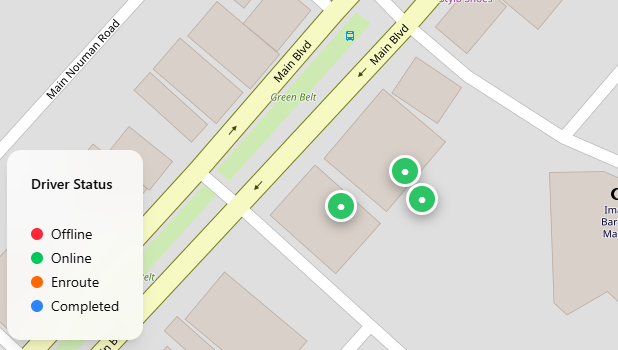
Live tracking

Watch routes move in real time so dispatch can react before a small delay becomes a customer issue.

  • Track drivers, stop progress, and route status from one screen.
  • Spot delays, detours, or stalled routes as they happen.
  • Use live visibility to answer customer questions faster.
Location Status ETA Escalation
Live tracking
Live location and status
Why it matters

Watch routes move in real time so dispatch can react before a small delay becomes a customer issue.

Next step
See how better management helps you scale

Manage

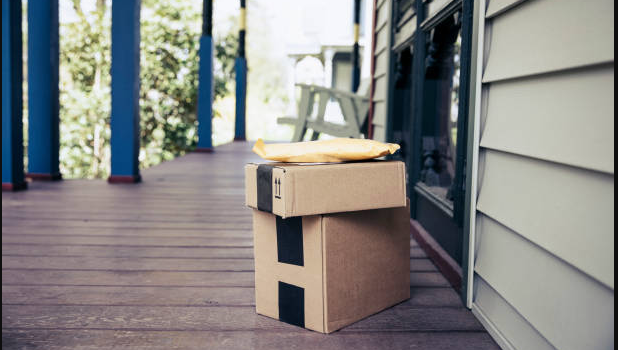
Proof of delivery

Capture the evidence of a successful stop without sending drivers into a separate app or workflow.

  • Collect signatures, photos, and barcode scans in the same flow.
  • Keep proof tied to the stop, route, and customer record.
  • Give operations a cleaner record when delivery questions come up later.
Signature Photo Barcode Geo stamp
Proof of delivery
Photos, scans, signatures
Why it matters

Capture the evidence of a successful stop without sending drivers into a separate app or workflow.

Next step

See how better management helps you scale

Manage

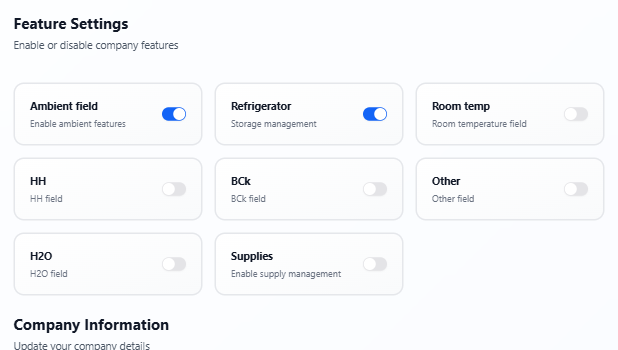
Permissions and controls

Set who can see, edit, and manage different parts of the routing workflow.

  • Control which users can create routes, change assignments, or edit depots.
  • Keep driver actions, dispatcher actions, and admin access clearly separated.
  • Use permissions to match your internal process instead of forcing a generic one.
Roles Access Safety Governance
Permissions and controls
Roles and access
Why it matters

Set who can see, edit, and manage different parts of the routing workflow.

Next step

See how better management helps you scale

Manage

Customer updates

Keep recipients informed with accurate delivery windows, tracking links, and proactive changes.

  • Send accurate ETA updates before recipients need to ask for them.
  • Make route changes visible through clear tracking and notification flows.
  • Keep the customer experience consistent with the same operational source of truth.
Notifications Tracking links ETA windows Recipient guidance
Customer updates
Customer-facing clarity
Why it matters

Keep recipients informed with accurate delivery windows, tracking links, and proactive changes.

Next step

See how better management helps you scale

Continue

Management is the bridge between planning and growth

When teams can see routes clearly and capture proof cleanly, they are in a better position to scale operations and make better decisions.

Route planning Business scaling